Seamless across devices
Add a song on your iPhone during rehearsal, and it's waiting on your iPad when you sit down to practice at home. Song Hive uses iCloud to keep your entire library — songs, ratings, notes, tags, custom fields, set lists, and practice history — synchronized across all your Apple devices.
Sync happens quietly in the background with no setup required. As long as you're signed into iCloud, your data flows automatically.
Nor does it hold up opening the app. Song Hive reads your library from the device first and shows it immediately, then talks to iCloud behind the list and folds in whatever comes back. Launching on a weak connection, or with no connection at all, gets you to your songs just as fast as launching at home.
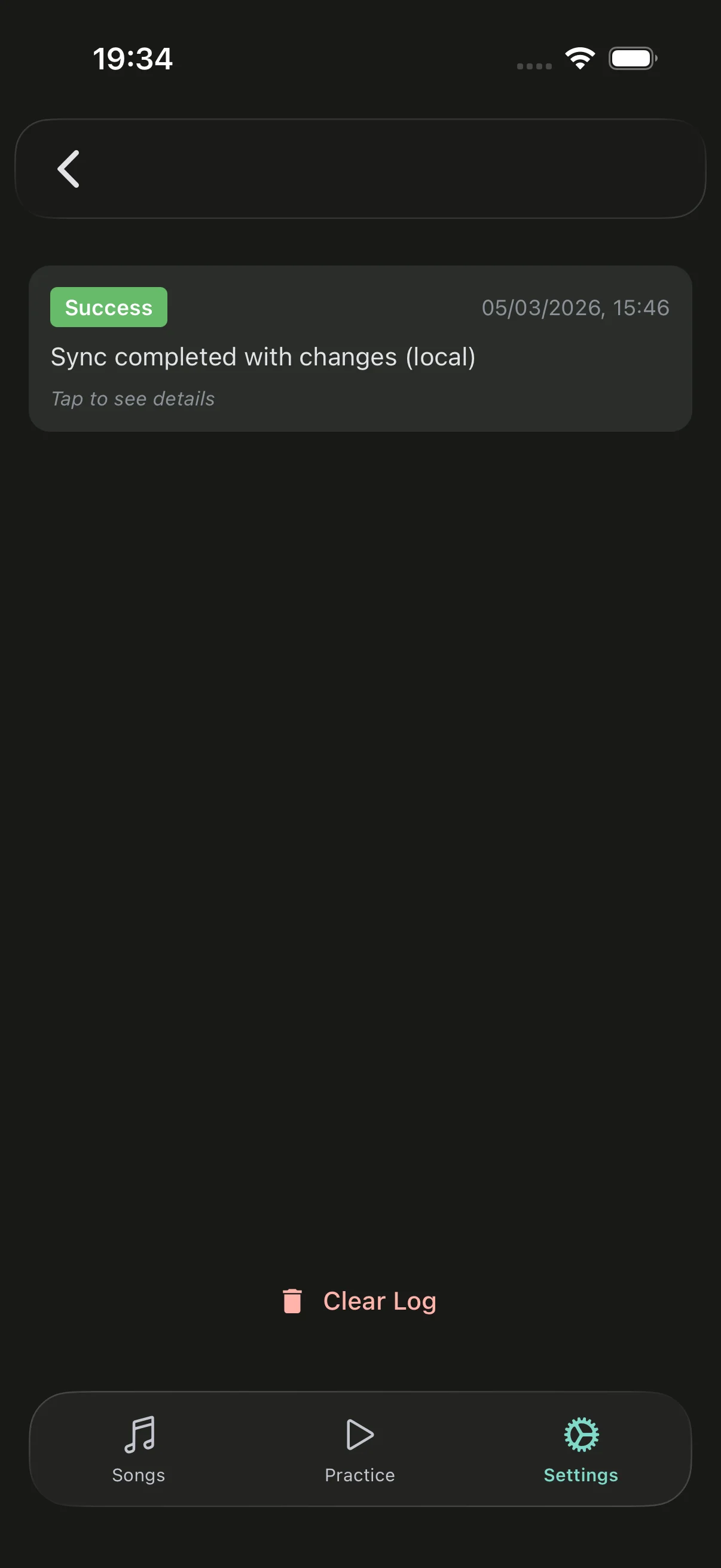
It also tells you the truth about itself. The sync log shows every run: what was pushed and pulled, where it went, and anything iCloud refused to accept, with the reason it gave. A run that didn't save what it set out to save is recorded as a failure rather than quietly counted as a success — so "everything is up to date" is something you can check, not something you have to take on trust. And if a device does fall behind, Push Everything on that screen uploads your whole library in one go.
Your data belongs to you. iCloud sync means your songs are stored in your personal iCloud account, not on third-party servers. Song Hive never sees or has access to your library contents — it all stays between you and Apple's encrypted cloud infrastructure.