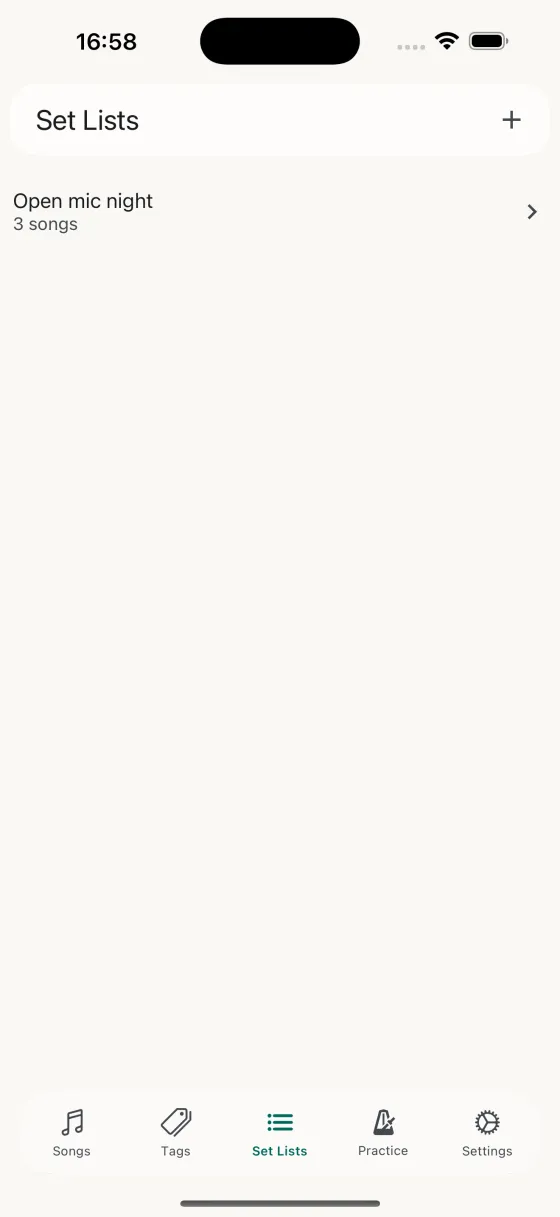
The Set Lists tab
What it's for
A simple list of every set list you've built, each showing its name and song count. Tap any row to open the set list detail; tap the + button in the header to create a new set list or import one from Spotify.
Gestures
- Swipe leftDelete set list — asks for confirmation first. Deleting a set list doesn't delete the songs in it; they stay in your library.
- Tap rowOpen the set list for editing, reordering, performing, or rehearsing.
- + buttonOpens a small menu with New set list (name it, then start adding songs) and Import from Spotify.
Import from Spotify
Paste a Spotify playlist or album URL and Song Hive pulls every track into a new set list. Songs you already have in your library are matched by name and artist so they aren't duplicated; new songs are added with their metadata ready for you to fill in chords, lyrics, or notes. A quick way to turn a Spotify practice mix, a band rehearsal playlist, or a specific album into a ready-to-rehearse set.
What goes in a set list?
A set list is a custom-ordered collection of songs chosen for a specific purpose — a gig, a rehearsal, a jam, a practice focus. The same song can be in as many set lists as you like, and each set list controls what field (chords, lyrics, or notes) is shown for each song during performance.
Syncs across your devices
Every set list syncs through iCloud, so a set you build on your iPad is waiting on your iPhone at soundcheck.